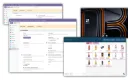
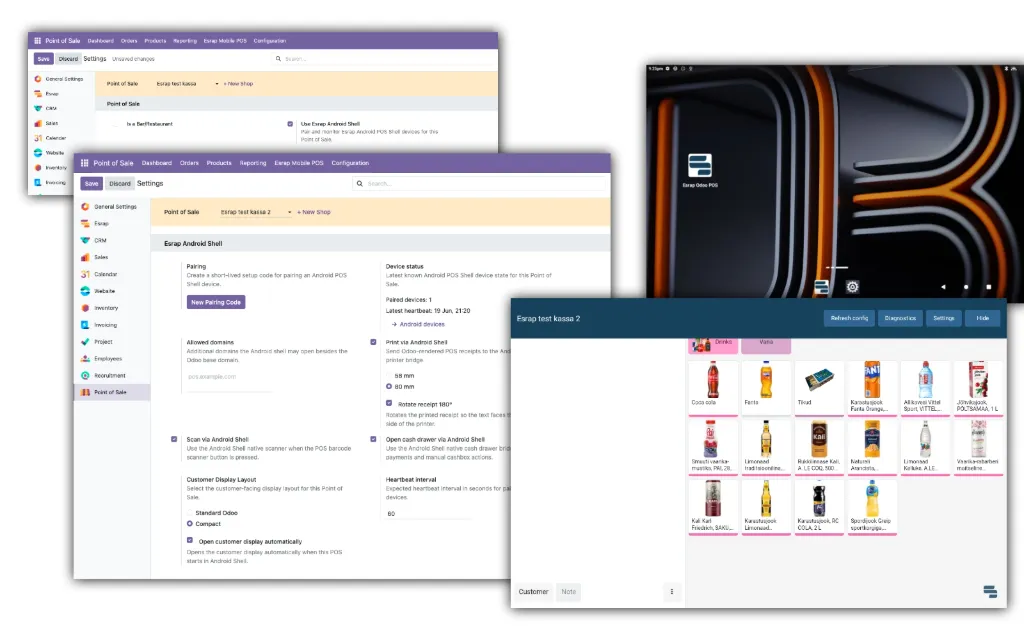
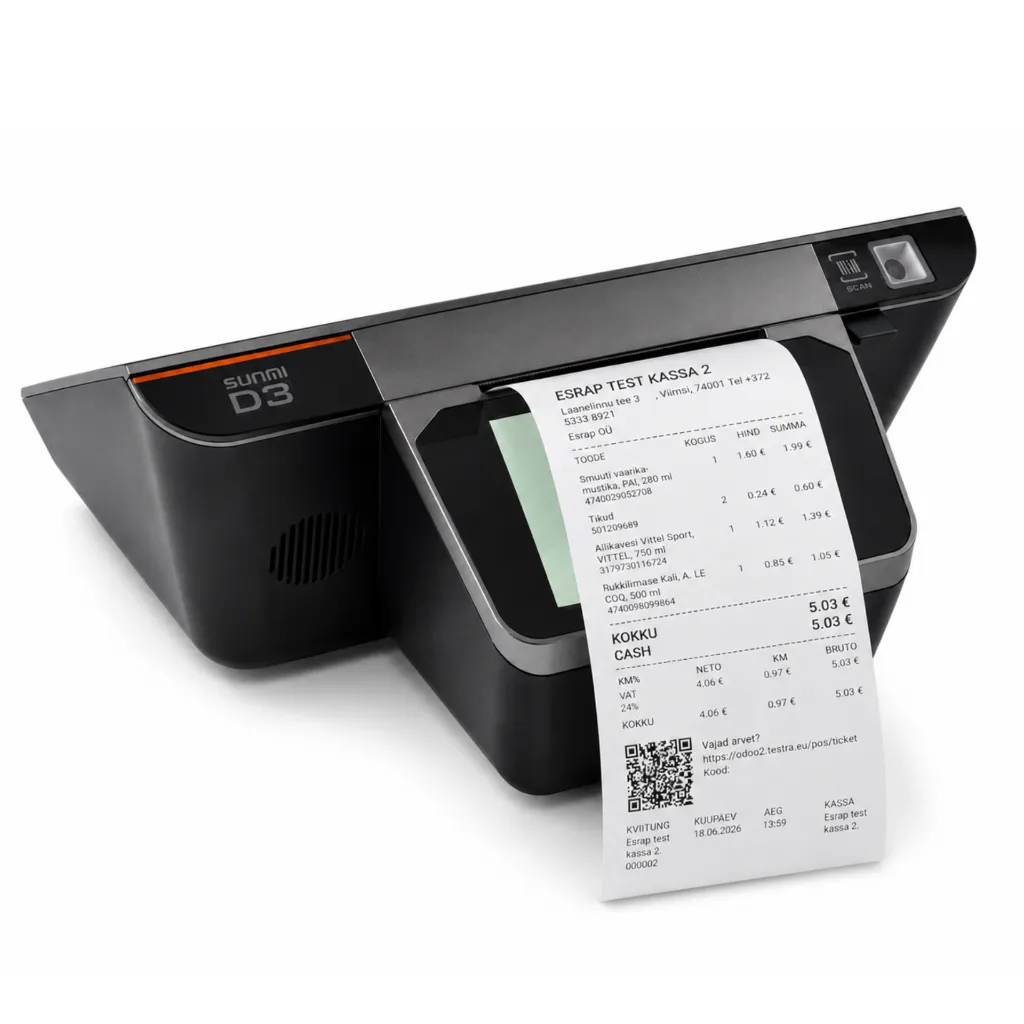
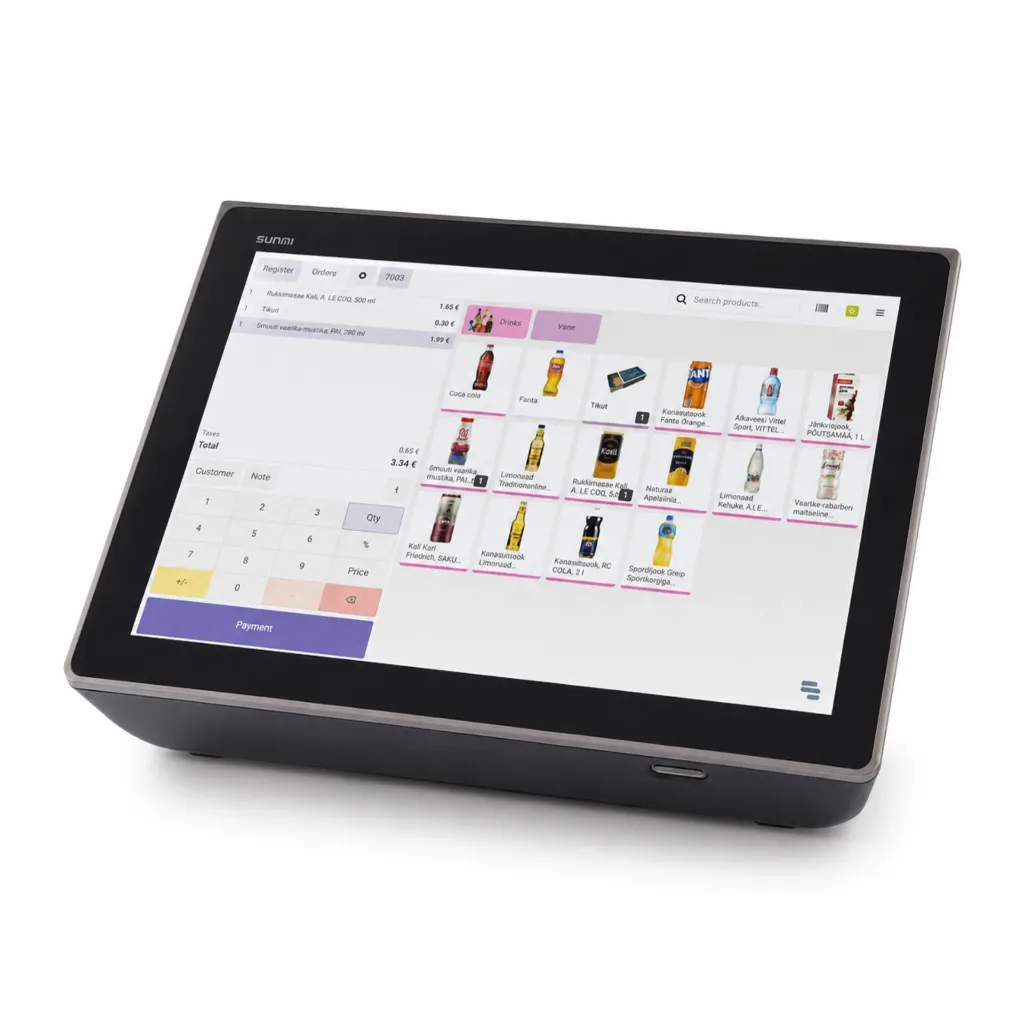
The Esrap POS Connect integration add-on enables Odoo POS to work with supported Android POS devices and their printers, scanners, cash drawers and customer displays. Together with the Esrap POS Connect Android app, it links the device to the correct Odoo POS configuration and simplifies setup and everyday use.
The solution consists of two components that work together: an add-on installed in Odoo and the Esrap POS Connect app installed on the POS device. Download the Android app from Google Play or through the Odoo add-on. During initial setup, pair the app with Odoo POS using a QR code or pairing code.
What the module does
- adds support for printers and RJ12 cash drawers on compatible devices
- enables camera-based barcode scanning
- adapts the Odoo customer display for supported device displays
- links the device to a specific Odoo POS so that it opens with the correct configuration
- enables quick initial setup with a QR code or a manually entered pairing code
Best fit
Businesses using Odoo POS that want to make use of their Android POS device's hardware capabilities and simplify POS start-up. The solution extends Odoo POS rather than replacing it with a separate POS system.
Getting started
- Install the Esrap POS Connect integration add-on in your Odoo environment.
- Download Esrap POS Connect from Google Play or through the Odoo add-on and install it on a supported Android device.
- Generate a device pairing code in Odoo, then scan the QR code in the app or enter the code manually.
The Esrap POS Connect app requires the integration add-on to be installed in Odoo. Hardware features depend on the device used.
Tested hardware is listed in the separate additional information section. Esrap ensures that Android POS bundles ordered from the Esrap e-shop are supported through this module. If a specific model is not listed separately in the additional information section, Esrap will confirm and provide support for that model after the device has been ordered and tested.
Technical information
- Odoo add-on technical name: esrap_pos_android_device
- Android app: Esrap POS Connect